Account Settings
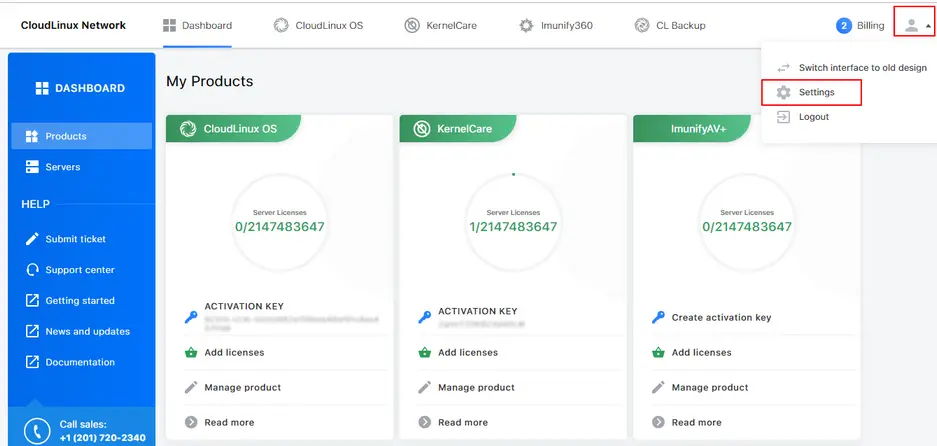
To go to account details click User icon → Settings in the top right corner.
Personal Information
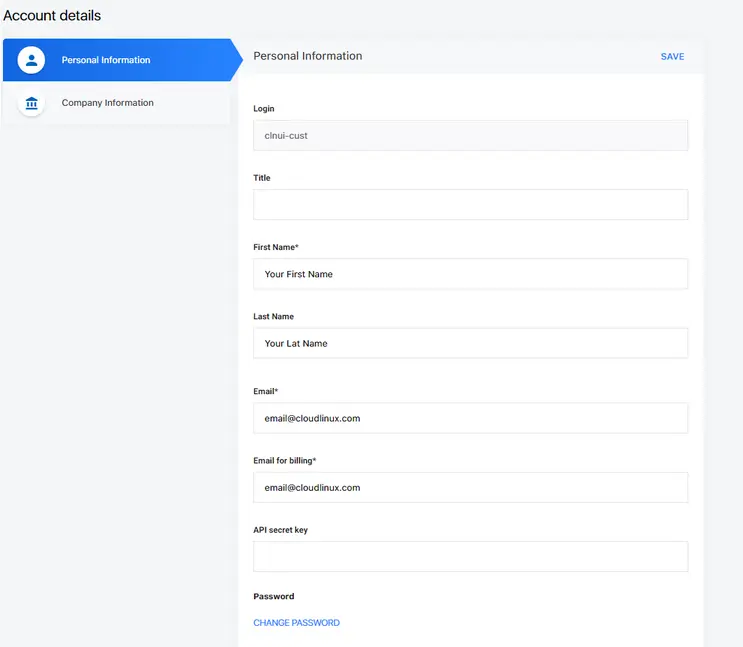
On the Account Details page choose Personal Information. Here you can add or change your personal information and change password. To change password click Change Password . In an opened popup specify a current and a new password. Click Save Changes to apply the changes or Cancel to close the popup.
How to convert your key-based account into IP-based account
Note
Conversion is a critical procedure. Please contact the billing team by clicking the Contact Support link at the footer of this page.
Company Information
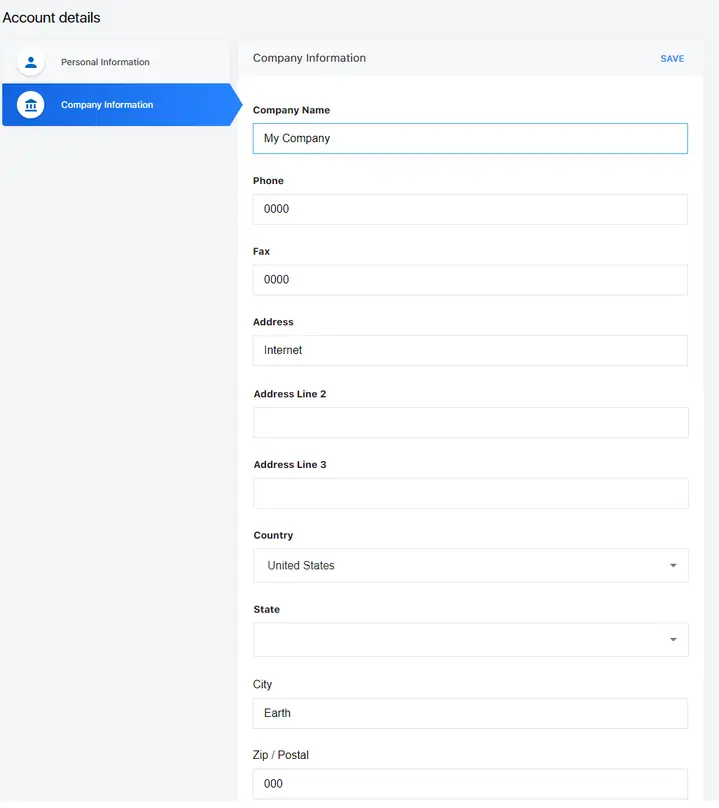
On the Account Details page choose Company Information. Here you can add or change company information.
Multi-user support
You can create additional logins for your account in the form of the email address. The sub login can have any role with different permissions listed below. A master Server Administrator account has the full scope of permissions; he can create account sub logins.
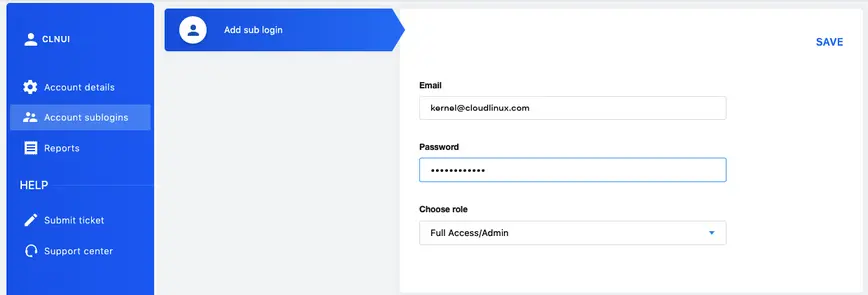
You can choose one of the roles with special privileges for your sub logins.
Roles
Full Access/Admin
- View products
- View servers/licenses information
- Reporting
- Add/delete servers
- Create activation keys
- Order/delete licenses
- View invoices
- View billing information
- Edit credit cards information
- Edit account information
- Edit billing information/top up for a reseller
- View prices
- View account information
- Change password
Billing
- View products
- View servers/licenses information
- View invoices
- View billing information
- Edit credit cards information
- Edit account information
- Edit billing information/top up for a reseller
- View prices
- View account information
Server and License Management
- View products
- View servers/licenses information
- Reporting
- Add/delete servers
- Create activation keys
- Order/delete licenses
Server Management Only
- View products
- View servers/licenses information
- Reporting
- Add/delete servers
- Create activation keys
Read Only — Billing
- View products
- View servers/licenses information
- Reporting
- View invoices
- View billing information
Read Only — Server Management
- View products
- View servers/licenses information
- Reporting
Reports
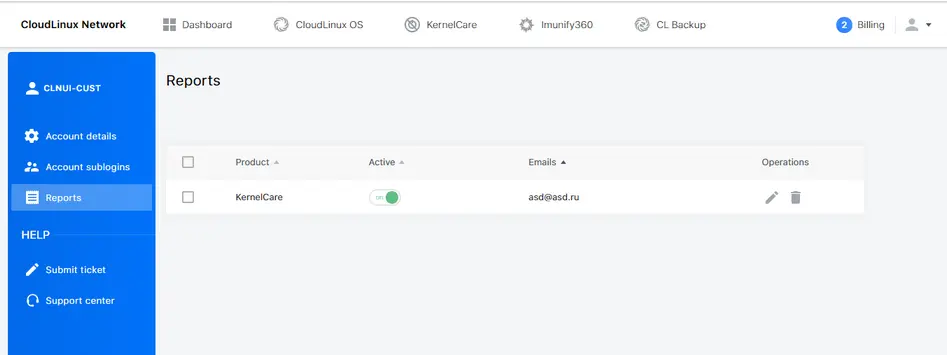
It is possible to set reports receiving for an account to the desired email address. To do so, click Reports in the left side menu.